Tesla Firmware 2025.20.7 (Bug Fix Update)
নতুন ফিচার
Minor Fixes
Included in 2025.20.7
This release contains minor fixes and improvements
Minor Fixes
Included in 2025.20.300
This release contains minor fixes and improvements

Security Improvements
Included in 2025.20.6
This update includes important security fixes and improvements.
Supercharging Live Activity
Included in 2025.20
View your Supercharging session with Live Activity on your iPhone or paired Apple Watch. Live Activity will start automatically as soon as your charging session begins. Requires Tesla app version 4.45.0+ and iOS 17.2+.
Alternative Trip Plans
Included in 2025.14.1
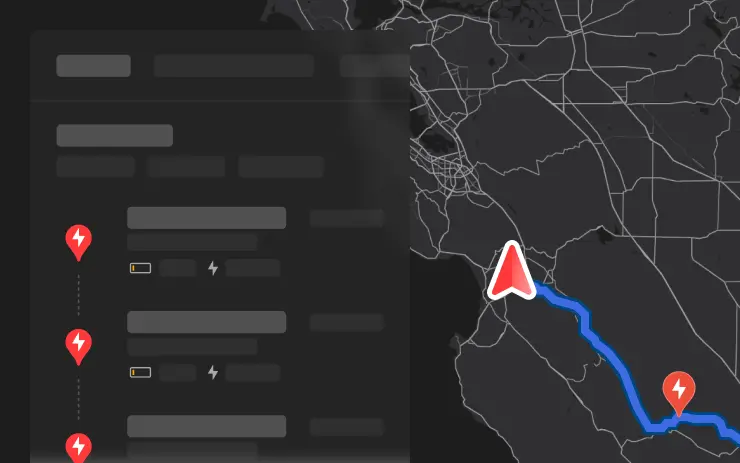
Multiple trip plans are now available for you to choose from, allowing you to better suit your travel needs.
- Fastest: offers the quickest route.
- Best Amenities: prioritizes stops near open and highly rated restaurants, shops, and restrooms.
- Fewer Stops: minimizes charging stops.

Avoid Highways
Included in 2025.14.1
Navigation can now avoid highways when possible, providing an alternative route that bypasses major roads.
Go to Controls > Navigation > Avoid Highways.

Save Trunk Height Based on Location
Included in 2025.14.1
Customize the opening height of your trunk and save it as the default or for a specific location, such as your garage. To set a height, pause the trunk while it's moving using the touchscreen. Alternatively, manually adjust to your preferred height, then press and hold the trunk close button until you hear a chime.
To set your existing trunk opening to the factory default height, or to clear any saved locations, go to Controls > Service > Remove Saved Locations.

Adaptive Headlights
Included in 2025.14.1
High beams now adapt to reduce glare for other drivers and cyclists. By detecting other road users, and selectively dimming individual pixels of the headlight, your high beams stay on more often for greater visibility at night.
To turn them on, go to Controls > Lights > Adaptive Headlights.
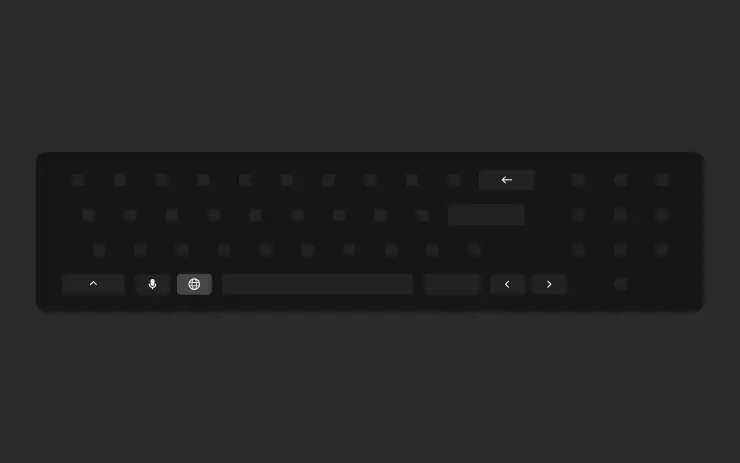
Keyboard Languages
Included in 2025.14.1
Easily switch between different language input methods on your touchscreen. To add keyboards, go to Controls > Display > Keyboards. To switch between them, long-press the global icon on your keyboard and select the desired keyboard.
Keep Accessory Power On
Included in 2025.14.1
Use or charge devices through the low voltage outlets, USB ports, or the inductive phone charger after exiting the vehicle, as long as the battery is above 20%.
When enabled, these ports remain powered even if you are not present, and the vehicle is not in use. Note that this may increase the vehicles power consumption, even if no device is connected.
Go to Controls > Charging > Keep Accessory Power On.
Minor Updates
Included in 2025.14.1
- When viewing a charger location page, nearby restaurants, cafes, and shops within walking distance are displayed at the bottom.
- Media search results are now filtered by sources, providing faster and more streamlined access to content.
- Easily scroll through your SiriusXM favorites by tapping the steering wheel button left or right.
- Sign in with your Amazon Music Free account. Requires Premium Connectivity or an active WiFi connection.
- You can now shuffle an entire Apple Music playlist that contains more than 100 songs.
- See what song will play next on YouTube Music playlists in the 'Up Next' view of the media player.
- In your Navigation settings, you can choose to show or hide chargers on the map that are not owned or serviced by Tesla.
- If your hotspot is enabled, it will automatically connect to your vehicle once you start driving, so you wont have to reconnect each time.
- Contact photos are now displayed for incoming calls and in the vehicle's Phone app.
- This update includes important security fixes and improvements.
Forward Collision Warning Improvements
Included in 2025.20.3
Forward Collision Warning is now accompanied by haptic feedback in addition to audible and visual warnings. Warnings cancel automatically when the risk of a collision has been reduced.
Forward Collision Warning is enabled by default.

Unlatching Charge Cable
Included in 2025.20
Charging can now be stopped and the charge cable released by pulling and holding the rear left door handle for 3 seconds, provided the vehicle is unlocked or a recognized key is nearby. This is especially useful when the charge cable doesnt have an unlatch button. You can still release the cable using the vehicle touchscreen or the Tesla app.
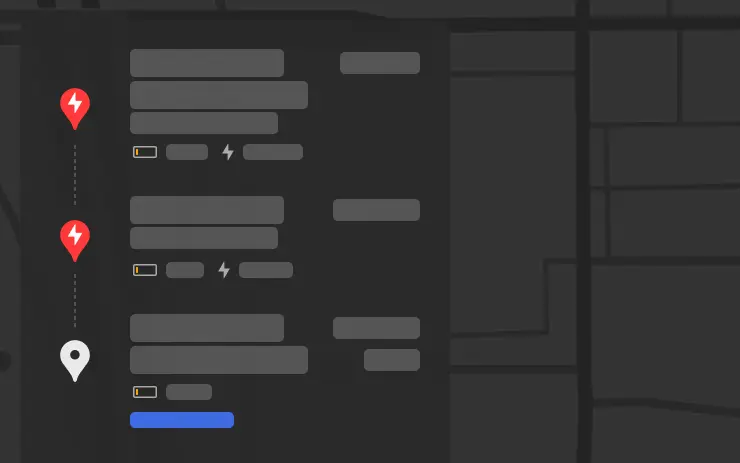
Set Arrival Energy
Included in 2025.14.1
You can now set arrival energy at your destination. Trip Planner adjusts your route according to your setting by adding or removing charging stops and adjusting recommended charging duration.
In your vehicle's turn-by-turn list, choose Set Arrival Energy for your last stop.
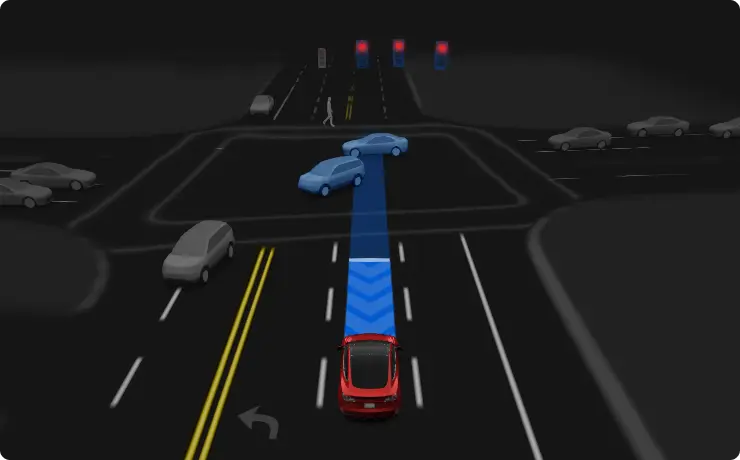
FSD (Supervised) v13.2.9
Included in 2025.14.6
FSD (Supervised) v13 upgrades every part of the end-to-end driving network.
Includes:
- 36 Hz, full-resolution AI4 video inputs
- Native AI4 inputs and neural network architectures
- 4.2x data scaling
- 5x training compute scaling (enabled by the Cortex cluster)
- Reduced photon-to-control latency by 2x
- Speed Profiles on both City Streets and Highways
- Integrated unpark, reverse, and park capabilities
- Improved reward predictions for collision avoidance
- Improved camera cleaning
- Redesigned controller for smoother, more accurate tracking
- Dynamic routing around road closures, which displays them along an affected route when they are detected by the fleet
Upcoming Improvements:
- 3x model size scaling
- 3x model context length scaling
- Audio inputs for better handling of emergency vehicles
- Improved reward predictions for navigation
- Improvements to false braking and slower driving in parking lots
- Support for destination options including pulling over, parking in a spot, driveway, or garage
- Efficient representation of maps and navigation inputs
- Improved handling of camera occlusions
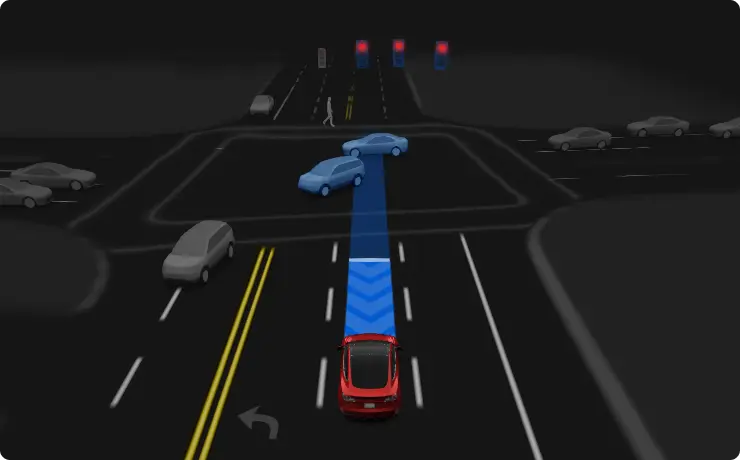
Full Self-Driving (Supervised)
Included in 2025.14.6
Under your supervision, Full Self-Driving (Supervised) can drive your Tesla almost anywhere. It will make lane changes, select forks to follow your navigation route, navigate around other vehicles and objects, and make left and right turns. You and anyone you authorize must use additional caution and remain attentive. It does not make your vehicle autonomous. Do not become complacent.
Full Self-Driving (Supervised) is enabled on your vehicle. To use the feature, press the right scroll wheel button once. You can disable Full Self-Driving (Supervised) in Autopilot Settings.

Dashcam Update and Side Camera Recording
Included in 2025.14.1
Your vehicle's side cameras (B-Pillar) will now be recorded to both Dashcam and Sentry clips. The Dashcam Viewer app has also been updated with a grid view, making it easier to access and review recordings.
বাগ ফিক্স আপডেট
বাগ ফিক্স 2025.20.300
৩১ জুলাই, ২০২৫
বাগ ফিক্স 2025.20.200
১৯ জুলাই, ২০২৫
বাগ ফিক্স 2025.20.7
১৭ জুলাই, ২০২৫
বাগ ফিক্স 2025.20.100.1
১৫ জুলাই, ২০২৫
বাগ ফিক্স 2025.20.6.1
৯ জুলাই, ২০২৫
বাগ ফিক্স 2025.20.100
৩০ জুন, ২০২৫
বাগ ফিক্স 2025.20.6
২৮ জুন, ২০২৫
বাগ ফিক্স 2025.20.3
৬ জুন, ২০২৫
বাগ ফিক্স 2025.20
৩০ মে, ২০২৫


